
Oracle Database Upgrade Best Practices: From 12c to 19c and Beyond
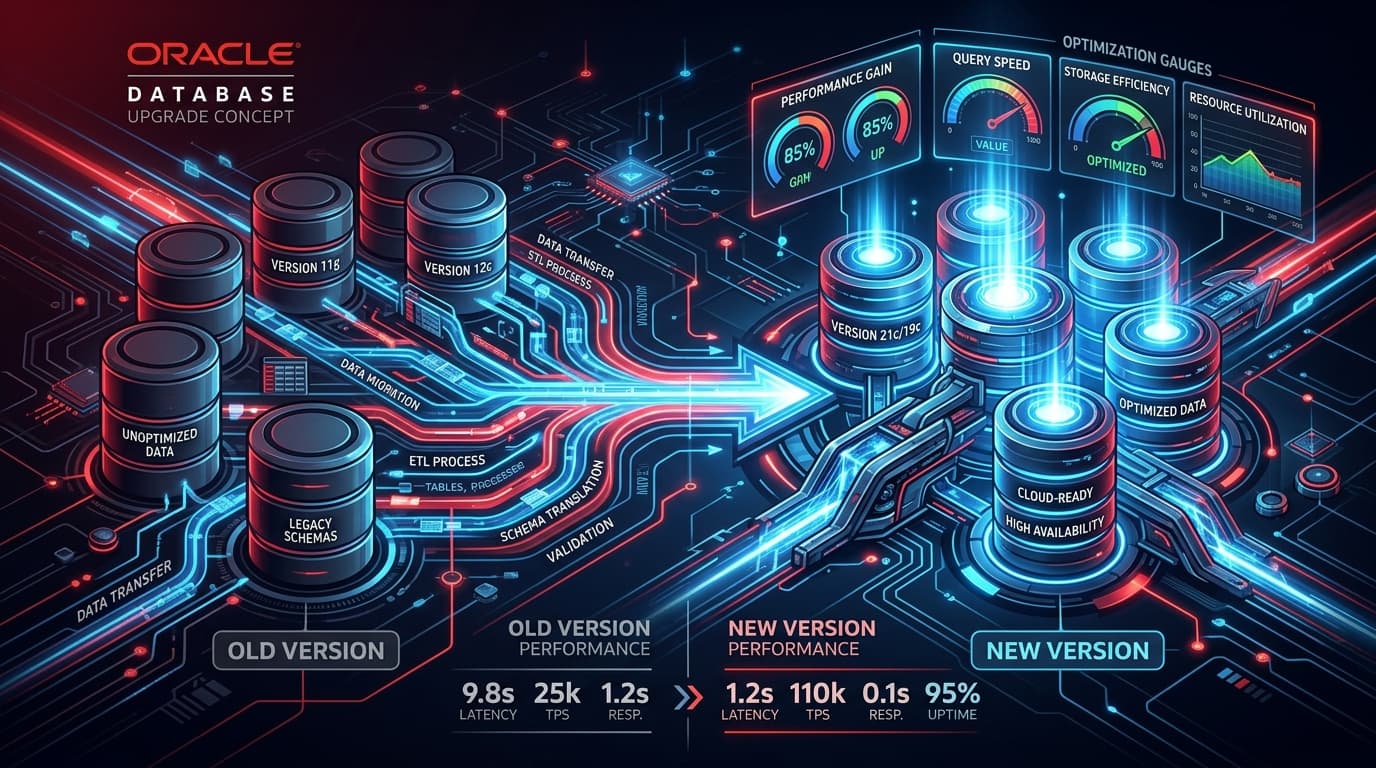
Why Upgrade Now?
Oracle Database 12c reached end of extended support. Running unsupported database versions exposes organisations to unpatched security vulnerabilities, compliance violations, and the inability to leverage performance improvements in newer releases.
Oracle 19c is the long-term release with premier support, making it the natural migration target for most enterprises.
Pre-Upgrade Checklist
1. Run the Pre-Upgrade Information Tool
Oracle provides a diagnostic tool that identifies deprecated features in use, invalid objects, required parameter changes, and timezone file mismatches.
Run this tool against a production clone, not production itself.
2. Test Application Compatibility
- Collect SQL workloads using SQL Tuning Sets (STS) from production.
- Replay workloads against the upgraded test database using SQL Performance Analyzer (SPA).
- Compare execution plans and identify regressions before they hit production.
3. Plan Your Method
- DBUA (Database Upgrade Assistant) — GUI-driven, suitable for single-instance databases.
- Manual Upgrade — full control, preferred by DBAs managing RAC or Data Guard configurations.
- Transportable Tablespaces — fast for very large databases; moves data at the tablespace level.
- AutoUpgrade — Oracle's recommended utility from 19c onwards; automates the entire workflow.
Upgrade Execution
- Back up the entire database (RMAN full backup + archived logs).
- Apply the latest Release Update (RU) patch on the target Oracle Home.
- Run the upgrade using your chosen method.
- Execute post-upgrade scripts.
- Recompile invalid objects and verify.
Post-Upgrade Tuning
- Gather fresh optimizer statistics — stale stats from 12c will produce sub-optimal plans in 19c.
- Review SQL Plan Baselines — use SQL Plan Management (SPM) to lock down critical query plans during the stabilisation window.
- Enable new features gradually — features like Automatic Indexing and In-Memory Aggregation should be tested in non-production first.
Common Pitfalls
- Skipping the pre-upgrade tool and discovering issues mid-upgrade.
- Not patching the target Oracle Home before upgrading.
- Forgetting to update connection strings in application servers and middleware.
- Underestimating timezone file upgrade complexity in global deployments.
Key Takeaway
A well-planned Oracle Database upgrade is a weekend event, not a quarter-long project. Invest the time upfront in assessment and testing, and the upgrade itself becomes a controlled, low-risk operation.
